> For the complete documentation index, see [llms.txt](https://docs.altura.com/altura-documentation/llms.txt). Markdown versions of documentation pages are available by appending `.md` to page URLs; this page is available as [Markdown](https://docs.altura.com/altura-documentation/getting-started/linking-your-collections.md).
# Linking Your Collections
Now that you have minted your NFTs on Altura's marketplace, it's time to link them to your project.
**What does it mean to link a project?**
Linking a collection to a project means that the collections are now grouped under that project and belong to that game. This is an important step as it allows you to use the API key for that project to interact with the project's NFTs. Additionally, the project's collections will be visible on that project's game page on the Altura marketplace and the project's custom marketplace.
**How to link a collection to your project:**
1. Log into the developer dashboard
2. Click on your project.
3. Click on the "Settings" tab on the left sidebar
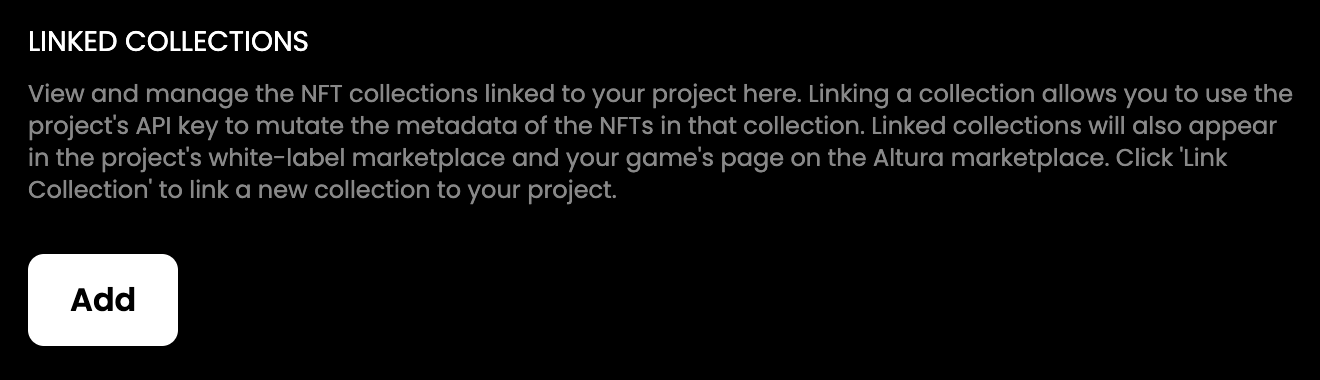
4. Scroll to the "Linked Collections" section
5. Click the "Add" button.
Linked collections section in the developer dashboard
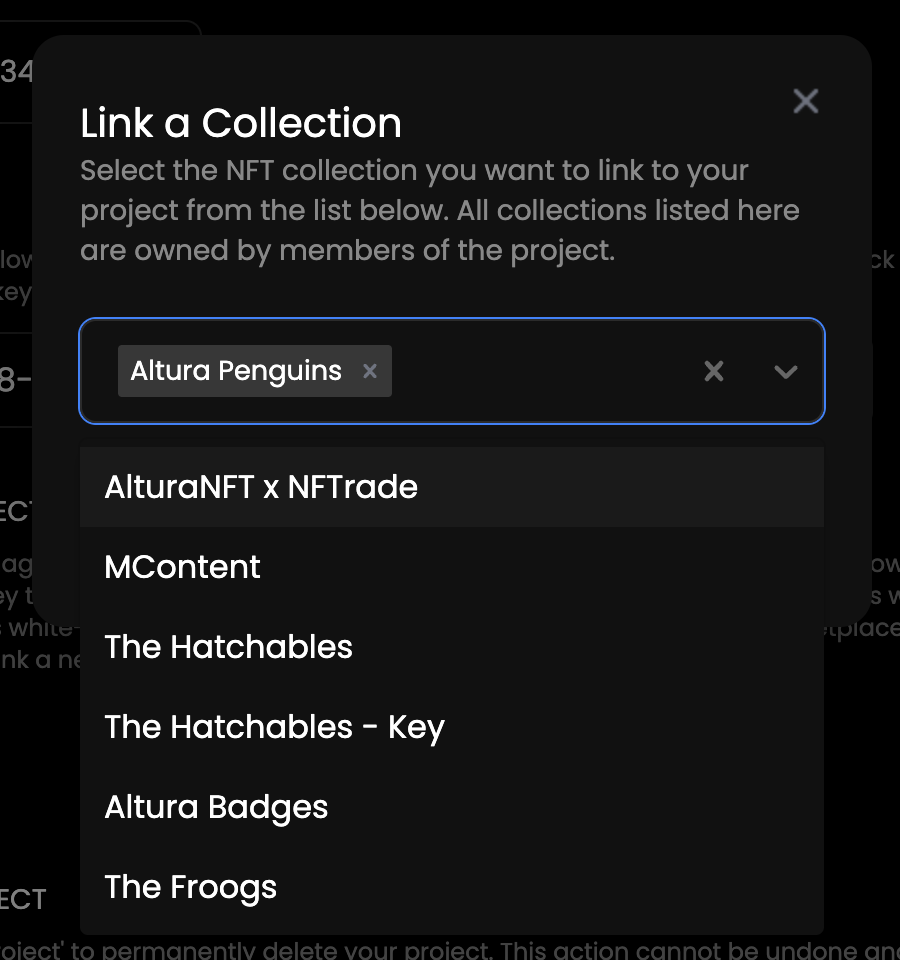
You will be prompted to select the collections you wish to link.
Link a collection modal in the developer dashboard
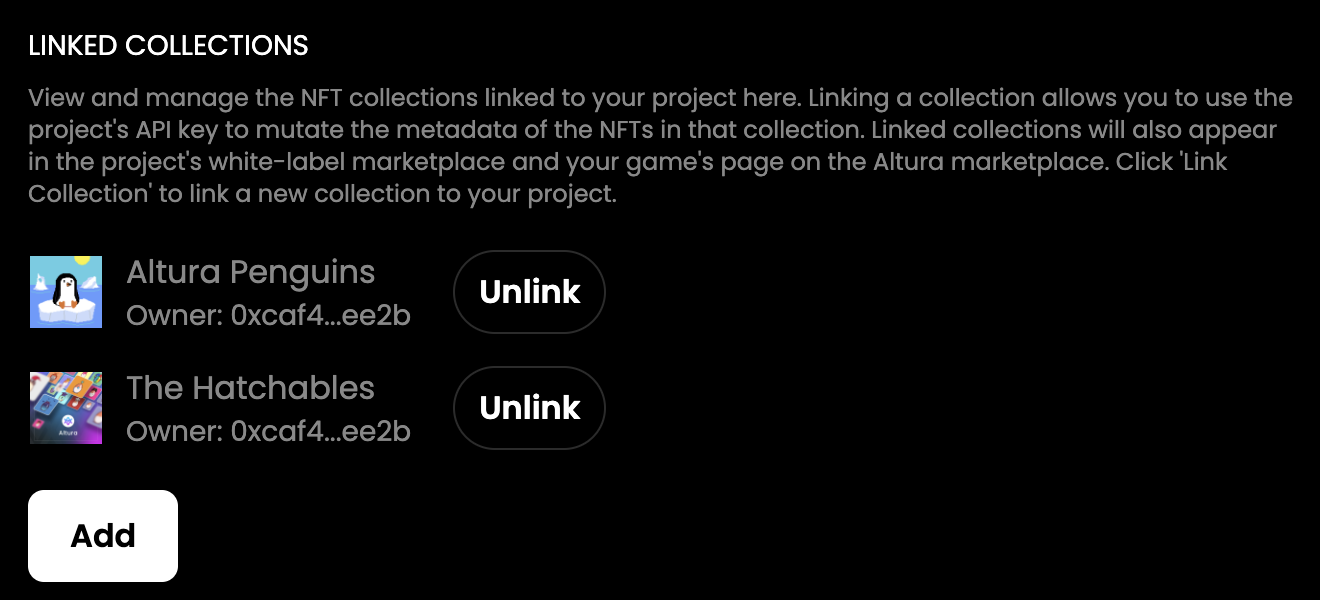
Once you have selected the collections, they will be added to your project, and you will be able to use the API key to interact with the collection's NFTs.
It's also worth noting that collections can be added to a project by any project member, so if there are several members in a project, all of their collections can be added to that project. This allows for easy collaboration and management of in-game assets among multiple team members.
Linked collections section with two linked collections in the developer dashboard