> For the complete documentation index, see [llms.txt](https://docs.altura.com/altura-documentation/llms.txt). Markdown versions of documentation pages are available by appending `.md` to page URLs; this page is available as [Markdown](https://docs.altura.com/altura-documentation/getting-started/lootboxes.md).
# Lootboxes
Loot boxes are an exciting feature in the NFT and gaming space. They're essentially virtual mystery boxes containing NFT items. These items can vary in rarity and value, adding an element of surprise and excitement. Here's a step-by-step guide on how to create a loot box.
#### Step-by-Step Guide to Creating Loot Boxes
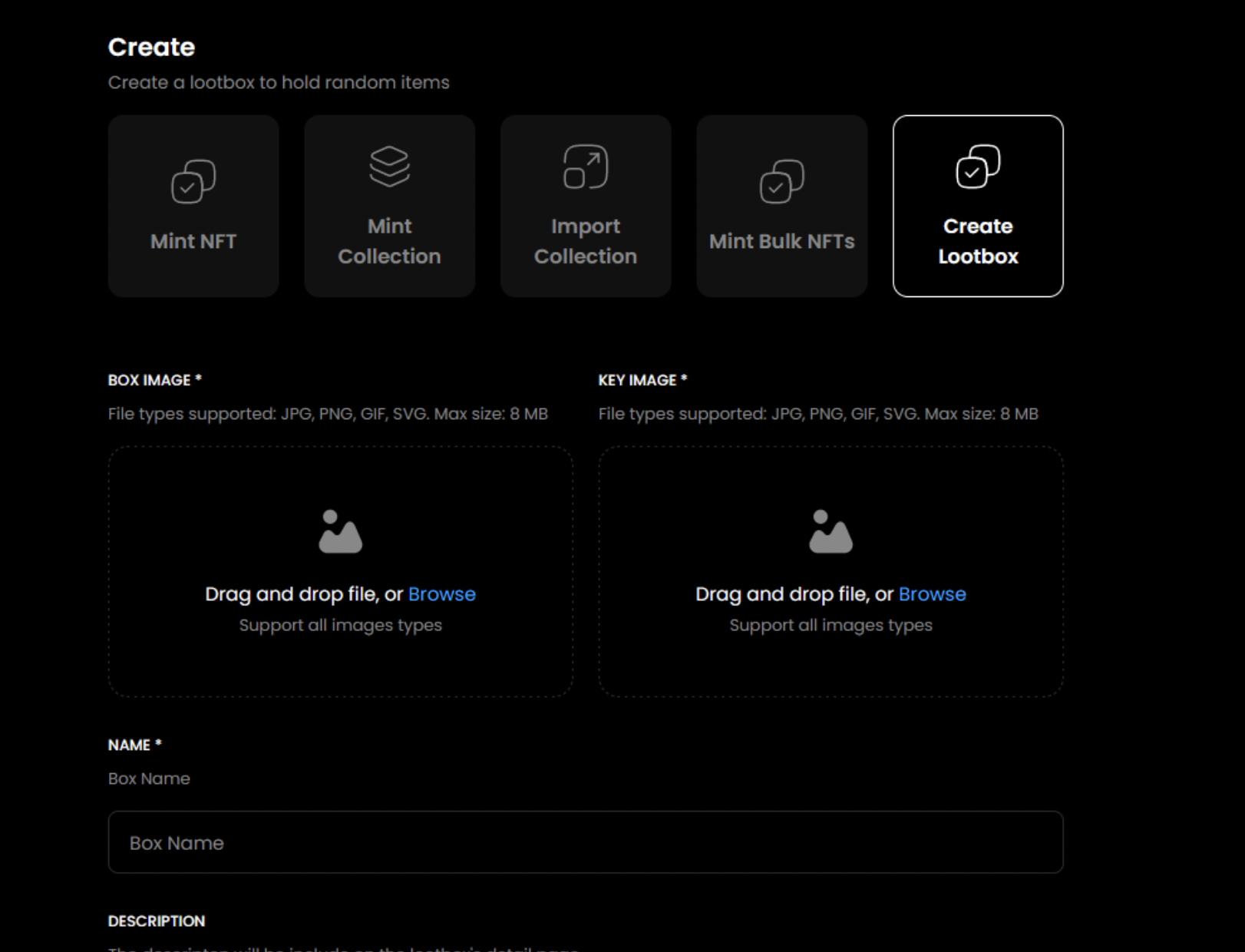
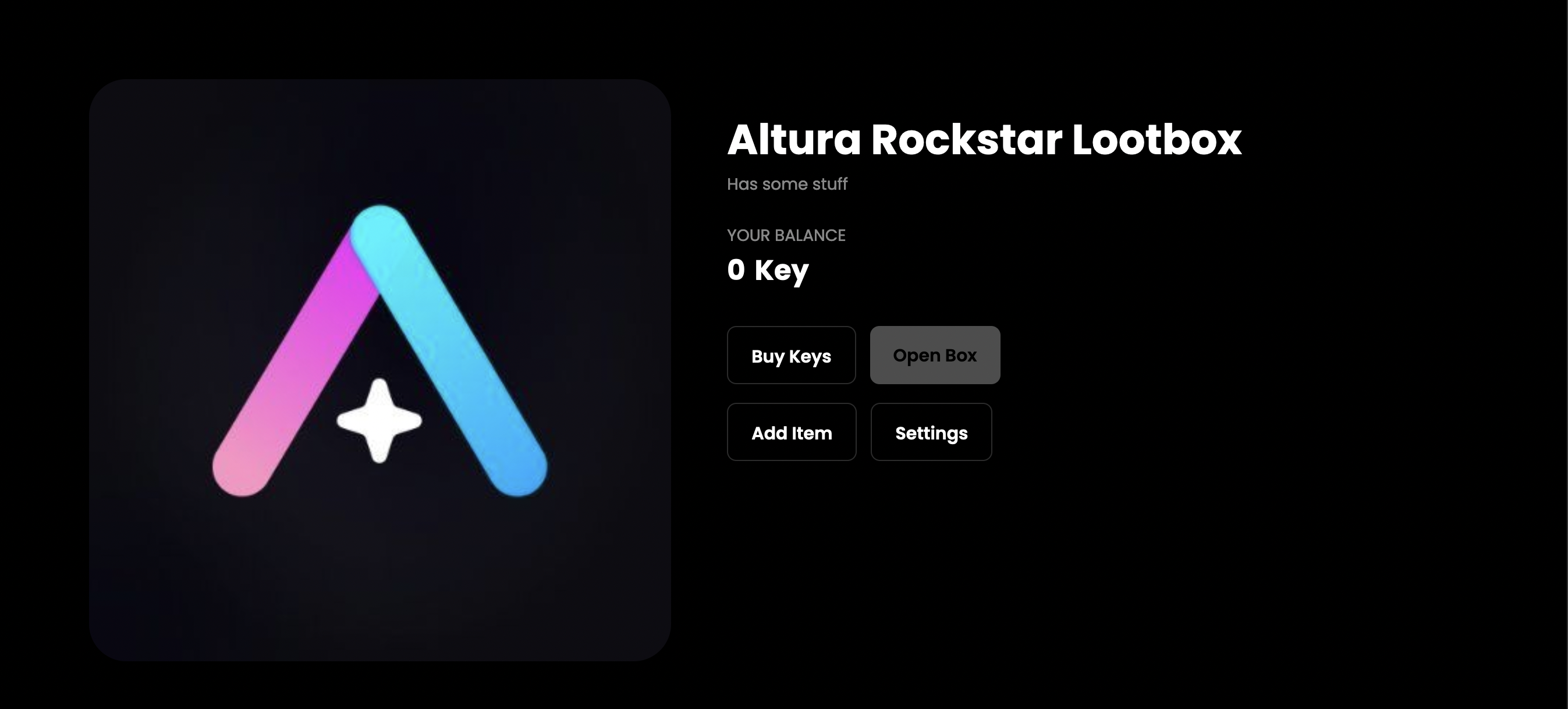
1. **Provide Loot Box Details:** Input the necessary details for your loot box. This usually includes providing an image for the key and the box itself, along with naming and describing them. The names and descriptions for the key and box are identical. Once done, you will be navigated to your lootbox page.
2. **Add Items to Your Loot Box:** By clicking the "Add item" button, you can include desired items from your collection to your loot box.
3. **Specify Item Details:** After adding each item, provide its details, specifically the supply quantity and its rarity level.
4. **Transfer NFT to Loot Box Contract:** The final step involves approving the transfer and transferring the NFT to the Lootbox contract. Completing this will successfully add your item to your loot box
5. **Launch Your Loot Box:** Once the loot box is created, the next step is to launch it. This involves providing details about the quantity of keys available, the supported payment currency, and the price for each key.