> For the complete documentation index, see [llms.txt](https://docs.altura.com/altura-documentation/llms.txt). Markdown versions of documentation pages are available by appending `.md` to page URLs; this page is available as [Markdown](https://docs.altura.com/altura-documentation/marketplace/create-your-own-white-label-marketplace.md).
# Create Your Own White-Label Marketplace
The Altura White Label Marketplace is the perfect solution for game developers and NFT community projects alike. Whether you're looking to create a dedicated marketplace for your game's in-game items or want to give your NFT community project a home, our white-label marketplace has you covered.
Here's how to get started:
1. Start by signing up for the Altura developer portal and creating a new project. This will give you access to the tools you need to create and manage your marketplace.
{% content-ref url="/pages/vv8rzKZT31ajWb9DOIxm" %}
[Creating a Project](/altura-documentation/getting-started/creating-a-project.md)
{% endcontent-ref %}
2. Create or import your collections onto the Altura platform.
{% content-ref url="/pages/m92UWMgFWewdVhGvZ0L8" %}
[Minting and Importing NFTs](/altura-documentation/getting-started/minting-and-importing-nfts.md)
{% endcontent-ref %}
3. Link your collections to your project.
{% content-ref url="/pages/Mzv9Vjil7GcY5HMCzNZ7" %}
[Linking Your Collections](/altura-documentation/getting-started/linking-your-collections.md)
{% endcontent-ref %}
4. Click on the custom marketplace tab. From here, you can begin customizing your marketplace. The whitelabel marketplace is completely free for you to use.
5. Altura's White Label Marketplace provides a number of customizations right out of the box. You can easily:
* Upload a logo for your marketplace, set a name, and choose from one of 10 custom themes.
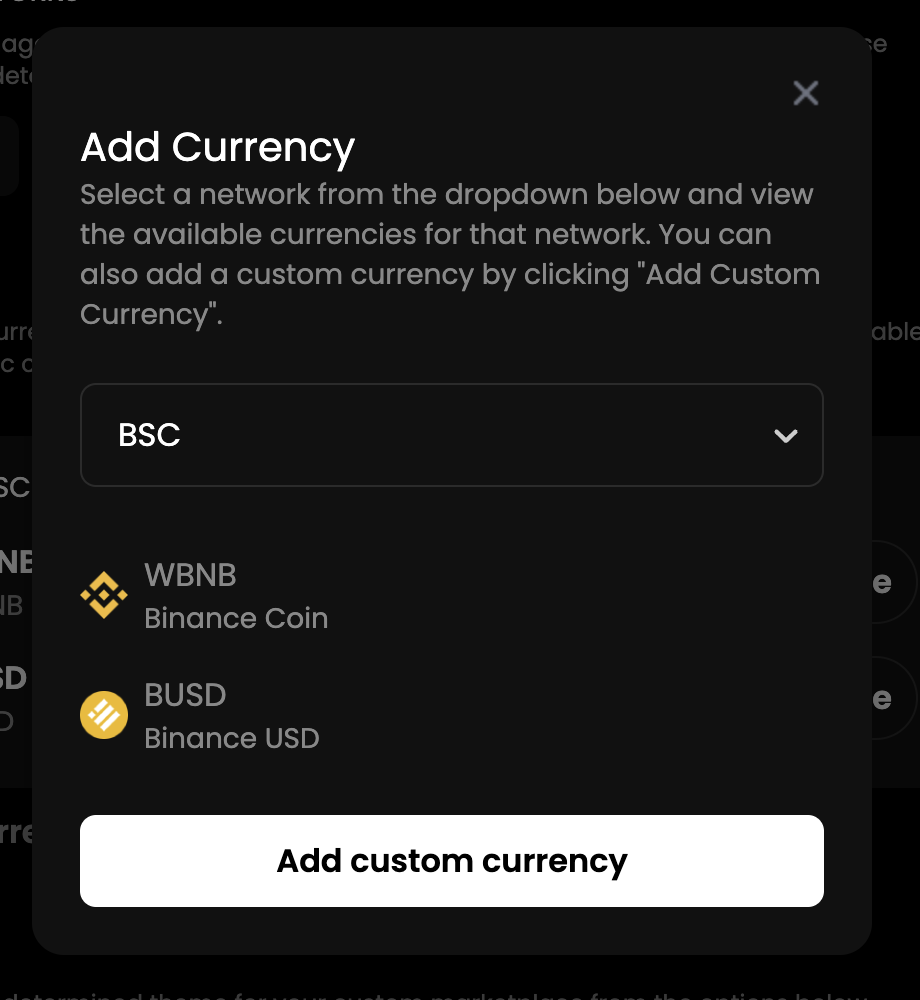
* Set the currencies used on the marketplace, which will determine what currencies users can list their NFTs in. This allows for a seamless buying and selling experience for your users.
* Or you can even import your custom tokens to be used on the marketplace.
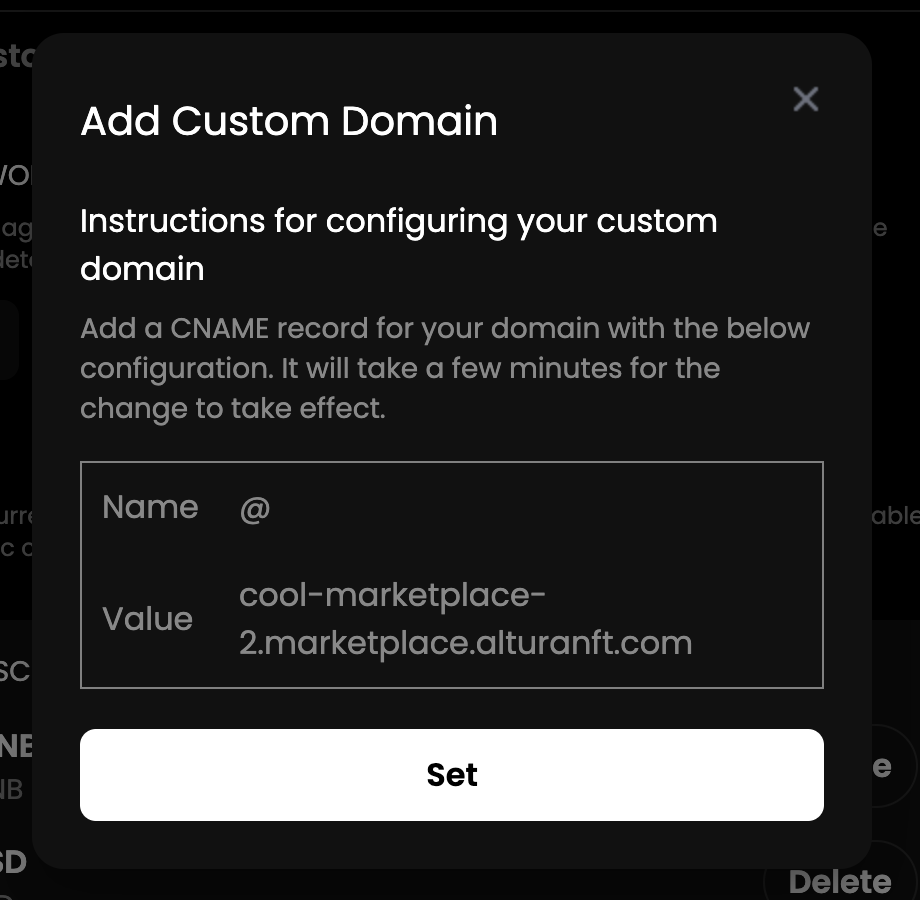
6. Altura's White Label Marketplace also give you the flexibility to use your own custom domain name. You can add a custom domain by clicking on the "Add Custom Domain" button. You can enter your custom domain in the format "prefix.yourdomain.com" and click "Save Changes" to use it.
{% hint style="warning" %}
You must configure your custom domain before it can be used; instructions for configuring your custom domain can be found in the developer dashboard.
{% endhint %}
Once your marketplace is set up, you can begin promoting it to your audience and start monetizing your NFTs. Altura takes a 2.5% fee on all transactions made on your white-label marketplace.