> For the complete documentation index, see [llms.txt](https://docs.altura.com/altura-documentation/llms.txt). Markdown versions of documentation pages are available by appending `.md` to page URLs; this page is available as [Markdown](https://docs.altura.com/altura-documentation/marketplace/listing-your-game-on-the-altura-marketplace.md).
# Listing Your Game on the Altura Marketplace
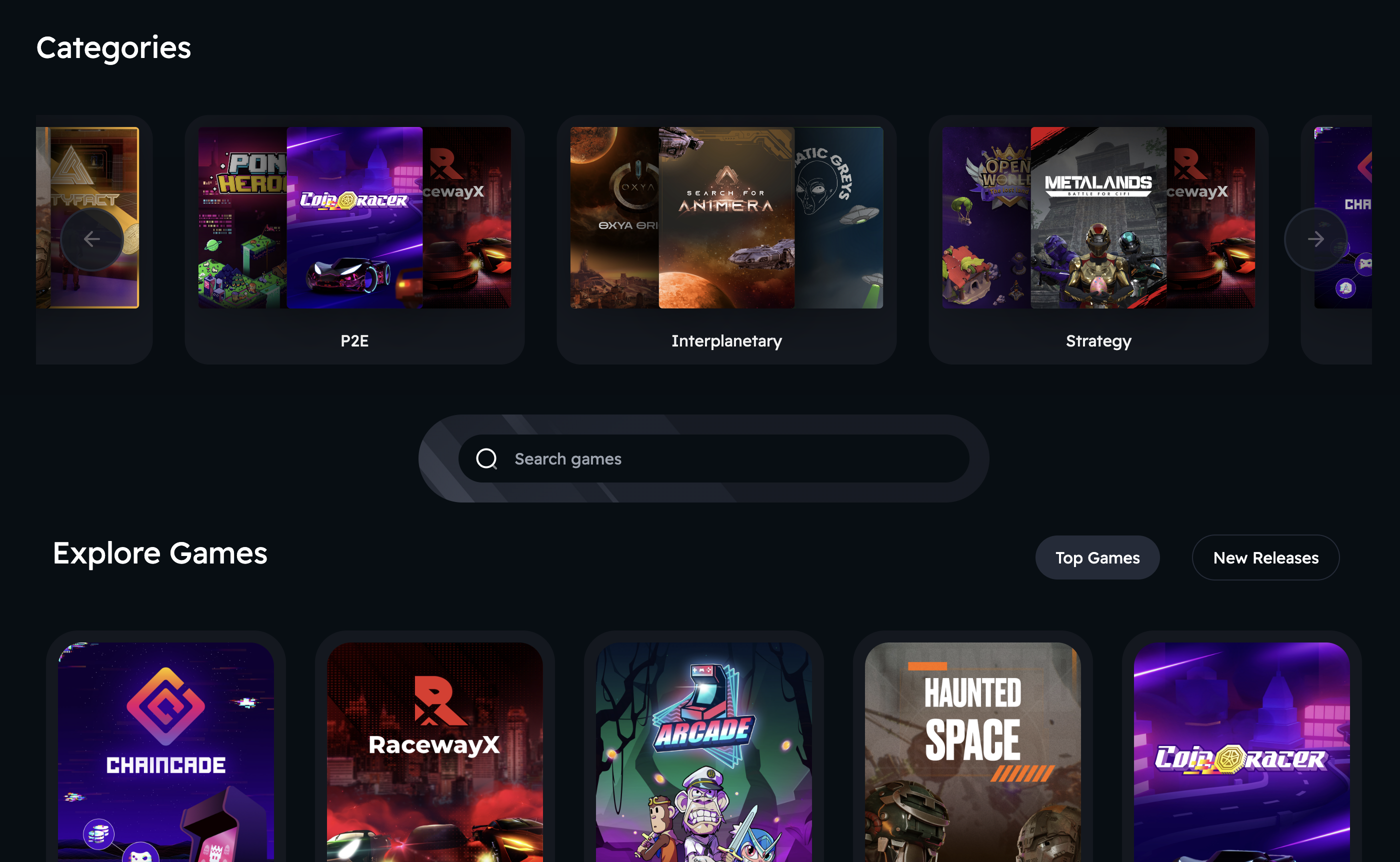
Listing your game on the Altura Marketplace can greatly benefit your project by providing access and exposure to Altura's massive community.
**To list your game on the Altura Marketplace:**
1. Sign into your developer dashboard and select your project.
2. Access the "Game Page" option in the left-hand menu.
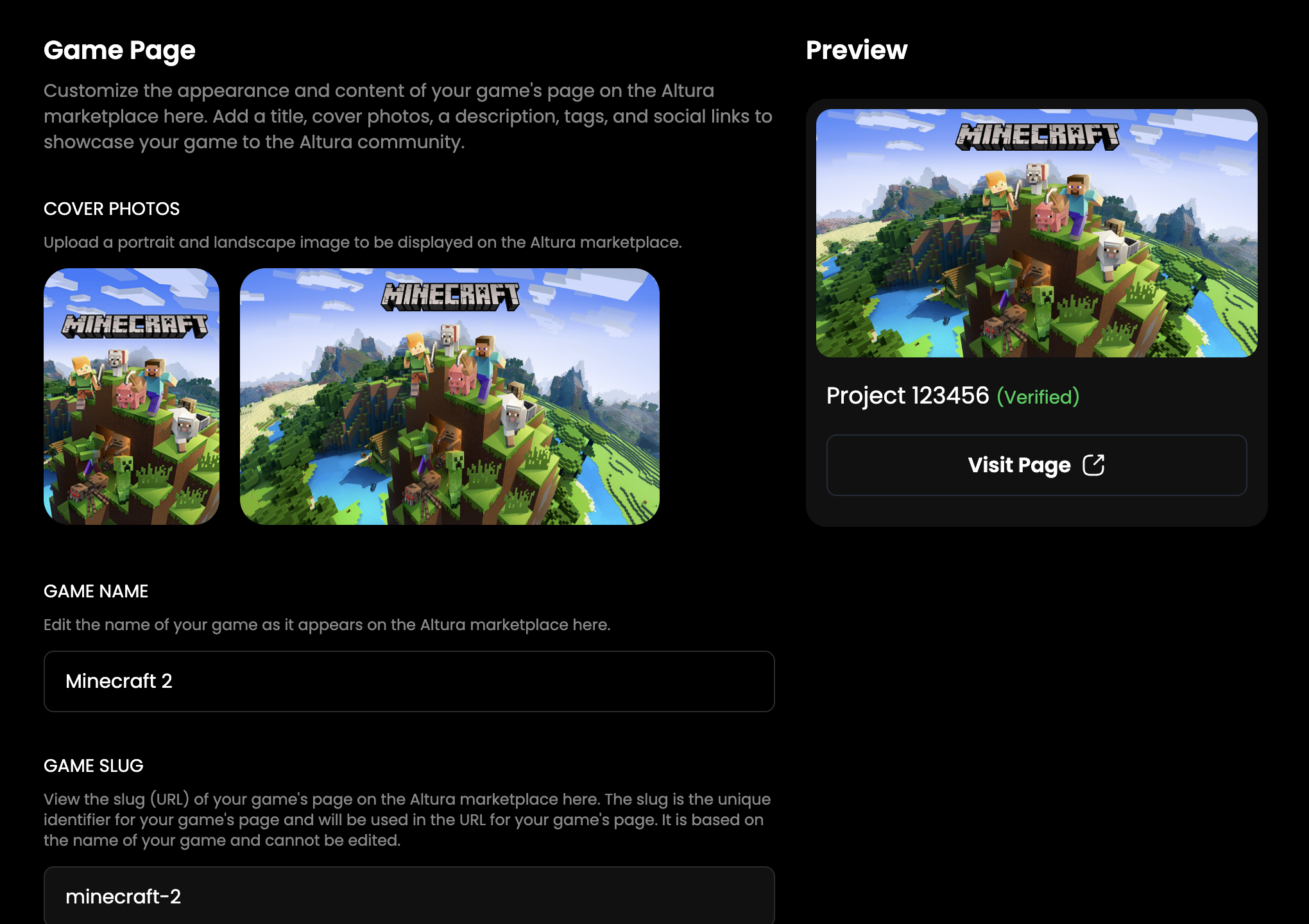
3. Once you are on the game page, you can upload: portrait and landscape cover photos, a title, a description, tags, and social media links for your game. This information will be used to create a dedicated page for your game on the Altura Marketplace.
Game page on the developer dashboard
When a player clicks on a game, they can browse all the collections within that game and the NFTs within those collections. The collections within your game are the collections you have linked to your project in your developer dashboard.